
Use Case - User-Driven Data Management
Give data owners
the controls
Starfish Zones give data owners scoped, secure, self-service authority over their own delegated directory branches - even when those branches sit on different storage systems - so tagging, archiving, and recovery stop being tickets.
Built for environments where IT has become the bottleneck for decisions it is least qualified to make.
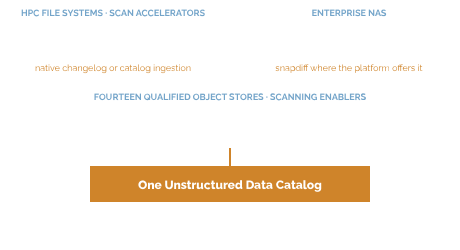
Zones
Scoped authority, not just another dashboard
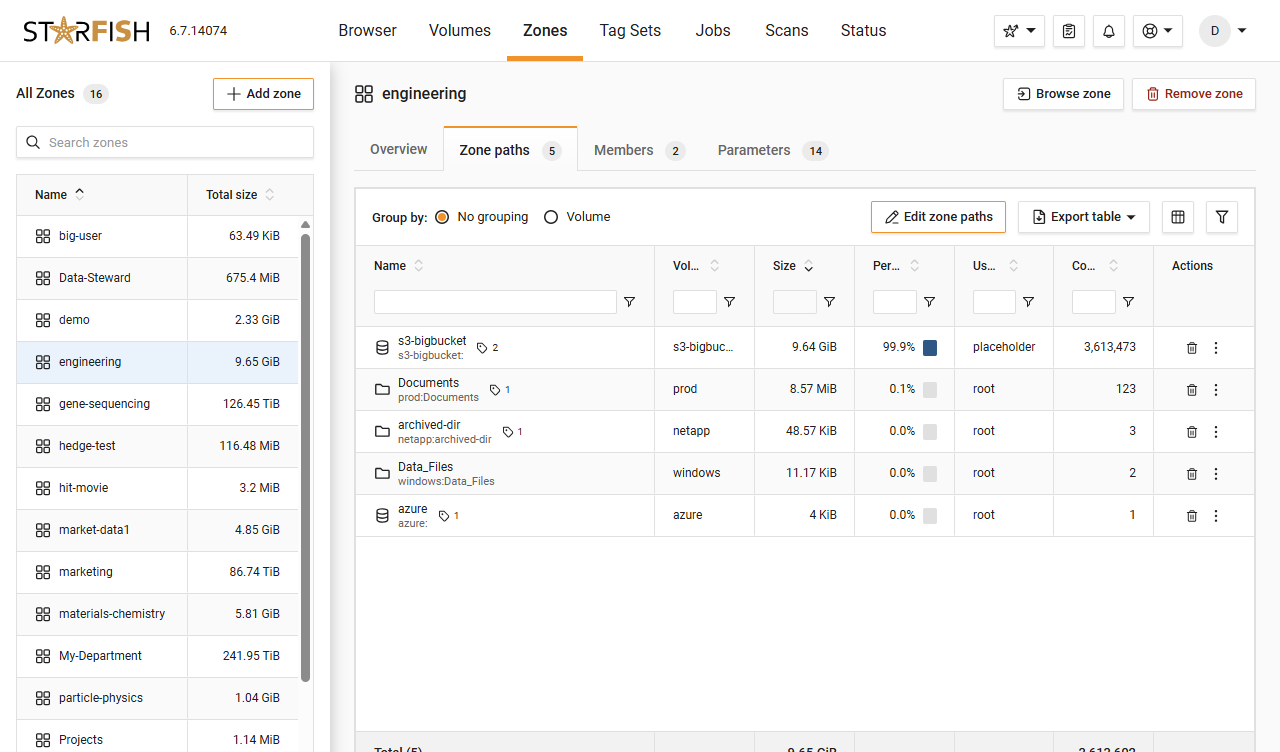
A Zone groups directory trees, volumes, and cloud buckets and assigns them to a set of users, creating a secure self-service environment that does not require full system administrative rights.
Across storage systems
A Zone can span delegated branches on different storage platforms, because the catalog does not care where a file sits.
No admin rights required
Owners act within their own Zone and cannot touch anyone else's data, with guardrails that prevent harm.
Management, separated from access
Zones separate data management from access management, sidestepping permission models that are incompatible across POSIX, ACLs, SMB, and S3.
Per-group dashboards
Each group sees its own footprint, which is where voluntary cleanup usually starts. Provides visibility into all project files across people.
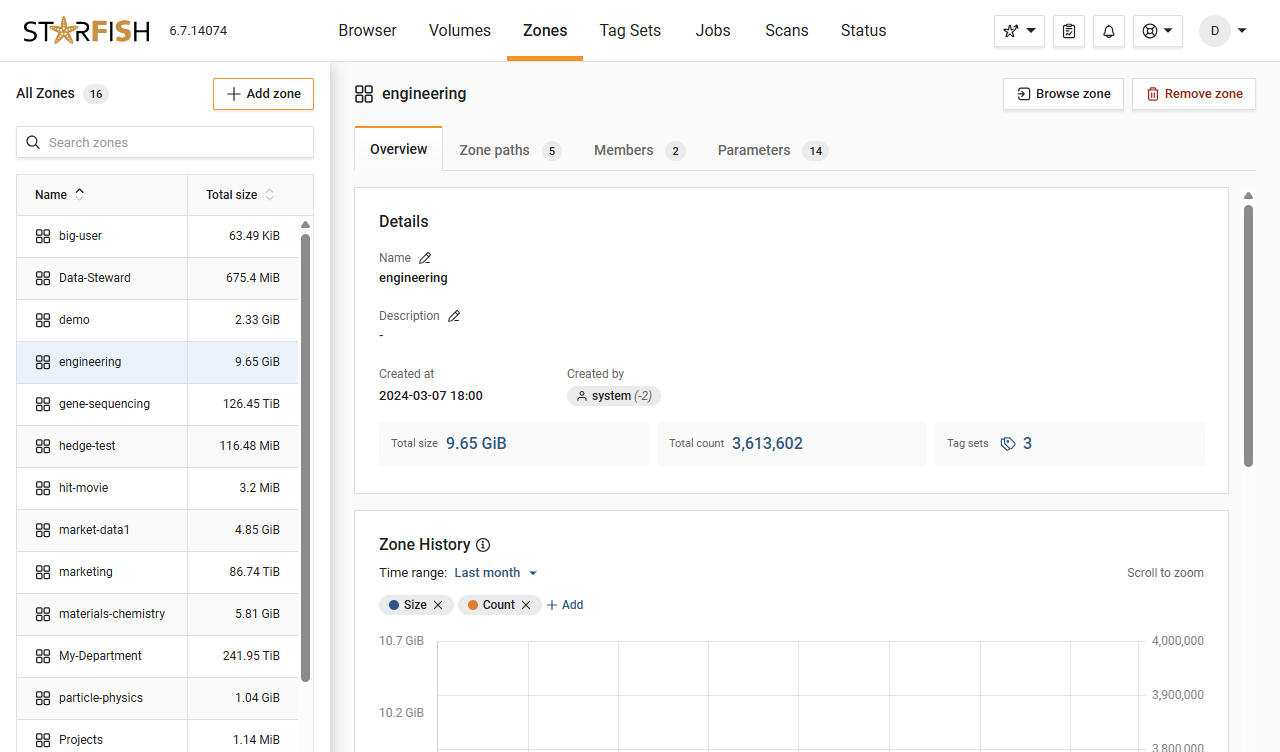
Starfish Zones
Give one group a Zone and see what happens
No synthetic demo. We scope a Zone on your own data and let a real data owner use it.
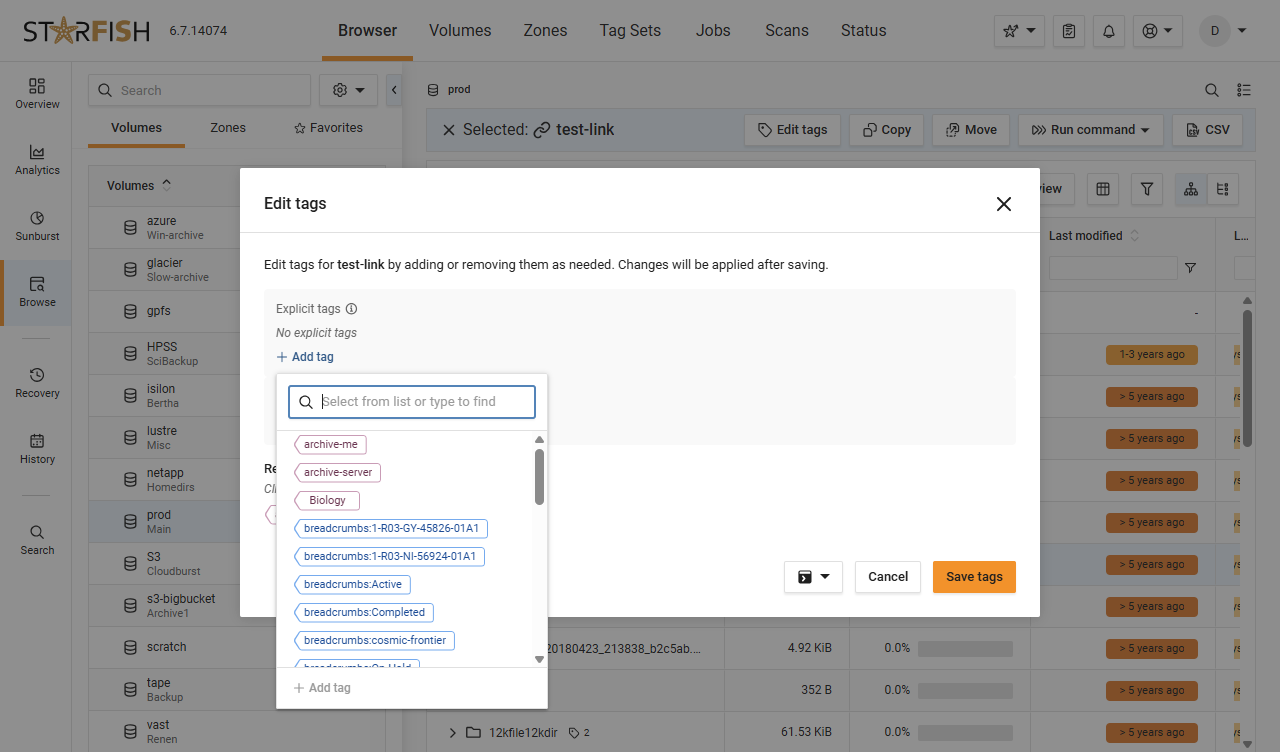
What Owners Can Do
Tag, search, archive, recover - without a ticket
Within a Zone, a ZoneAdmin can apply and edit Tags, classify data, tag it for archive or deletion, recover archived data from tape or cloud, and run highly specific searches at any level.
Classify their own data
Apply and edit Tags, classify, and tag data for archive or deletion - accurately, because they know what it is.
Recover from tape or cloud
Archived data comes back without a helpdesk ticket, which is what keeps people willing to archive in the first place.
See everything they own
All attributes of their data: location, file types, and aggregate metrics, in one view.
Search at any level
Highly specific searches across their delegated branches, at any level of the tree.
Guardrails
Delegated, bounded, and logged
Zone roles govern who can do what. ZoneAdmins can recover from any location to any location, while ZoneUsers with recovery delegation can restore only to the original location - and everything remains logged and auditable.
Roles with real boundaries
ZoneAdmins recover anywhere; ZoneUsers with recovery delegation restore only to the original location.
History and Recovery Mode
Both operate within the Zone’s scope, so an owner sees their own file history without seeing anyone else’s.
Requests that route correctly
Restore requests go to the right person instead of into a shared queue.
Logged and auditable
Delegation does not cost you the audit trail. Every action remains logged.
In Practice
“The enhanced Starfish Storage GUI has performed exceptionally well for us. The in-depth file analytics are now easier to access for both system administrators and end users, utilizing Starfish Zones. They can now independently track and manage their data, understand usage, and identify opportunities for improvement without needing IT's help. It has made managing our complex storage environment significantly easier.”
Brody Lines, Manager, HPC Operations
Translational Genomics Research Institute (TGen), part of City of Hope
Dig Deeper
Resources for the curious technical reader

Blog
Customer Spotlight: Starfish Storage makes data easier to find, store and protect for Clemson University’s Research Computing and Data Infrastructure team
Clemson Research Computing and Data Infrastructure team shares how they use Starfish to shrink the backup window from a week to less than 24 hours, easily find sensitive files, and empower researchers.
4-min video

Blog
How ASU scratch storage went from instability to control
ASU used Starfish to help researchers stop using scratch storage for permanent archive and bring storage utilization down to 70%
4-min read
Glossary
Get everyone using the same words
Storage admins, data owners, and finance can all say “cold data” and mean three different things. The glossary pins each term to one plain definition.
Quick reference
FAQ
Frequently asked questions
What is a Zone?
A logical entity that groups directory trees, volumes, or cloud buckets and assigns them to a set of users - a secure, self-service environment that does not require full system administrative rights.
Can file owners break something?
No. Zones keep users and their files in a safe space. Users act only within their own Zone, cannot touch anyone else's data, and work inside guardrails. Everything they do remains logged and auditable.
What is the difference between a ZoneAdmin and a ZoneUser?
ZoneAdmins can recover from any location to any location. ZoneUsers with recovery delegation can restore only to the original location. Restore requests route to the right person.
Does this require changing file system permissions?
No. Zones separate data management from access management on the underlying file systems, which sidesteps permission models that are incompatible across POSIX, ACLs, SMB, and S3.
Why not just give people a dashboard?
Because a dashboard cannot act. The point of delegation is authority - tagging, classifying, archiving, and recovering - not visibility alone.
Does delegation actually improve data hygiene?
It does. At Harvard FAS, users who could see what their data cost deleted nearly a petabyte within weeks of rollout, with upwards of 20 PB more identified as deletion candidates.
Ready When You Are
Pick the group that files the most tickets.
We will give them a Zone on your own data - not a synthetic demo - and you can watch the queue shrink.